The Watch Later Tool
The Watch Later tool is a special playlist that lets you save videos you want to watch but don't have time for right now. This playlist is automatically available in your account as soon as you sign in for the first time.
How to Add Videos to Your Watch Later List
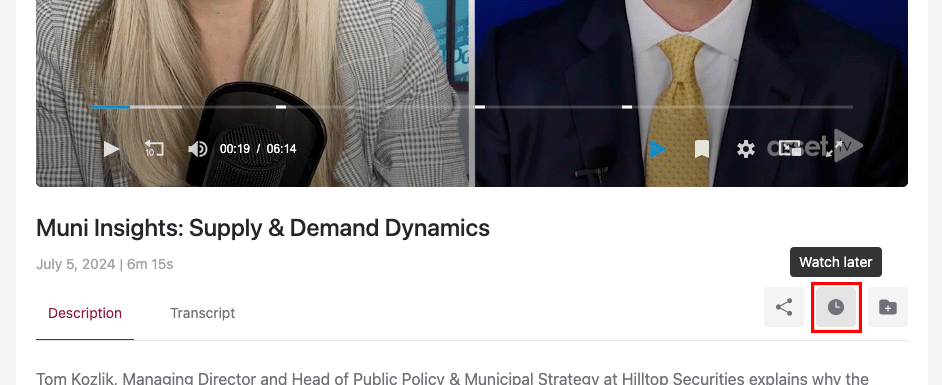
To add a video to your Watch Later playlist, simply click the "Watch Later" icon. You'll usually see it in one of two places:
- On video thumbnails: Hover over a video thumbnail, and the icon will appear in the top right corner.

- On video pages: The icon will appear directly below the video player.
How the Watch Later Playlist Works
Your Watch Later playlist updates dynamically. This means that once you've watched a video from the list, it's automatically removed, keeping your list fresh and relevant.
You can always access your Watch Later playlist directly from your Dashboard.