How to manage your team's playlists (for managers)
Creating a playlist
- From the Team CE menu on your dashboard select "Playlists".
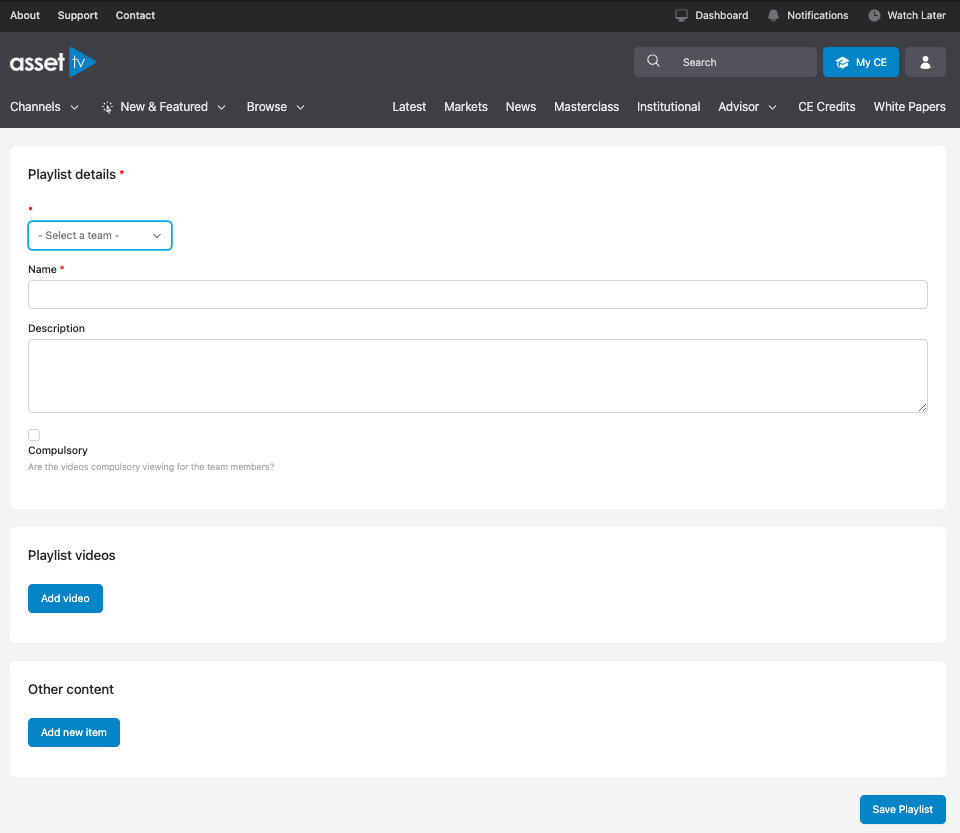
- Select "Create New Playlist" at the top of the page.
- Complete the form and add content as required. For more information and help on working with playlists please see our playlists guide.
Editing a playlist
Playlists can be edited via the "Playlists" section of the Team CE menu, or using the Edit option at the top of the Playlist page.
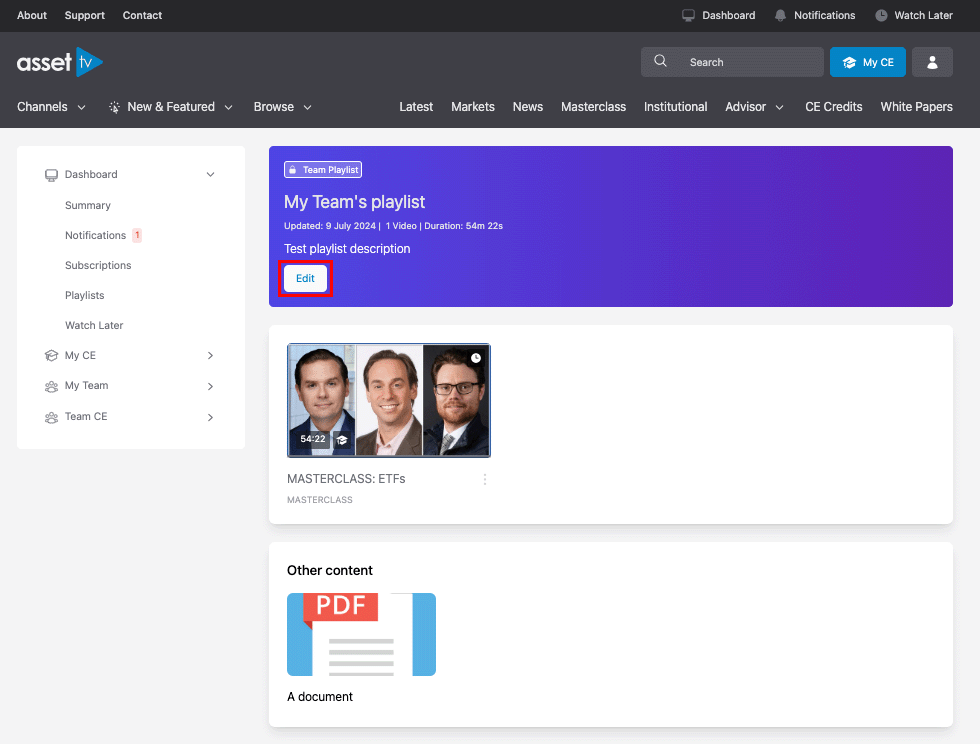
All team members will automatically be subscribed to the Team Playlists and will be able to access them from their CE profile and dashboard pages.