Managing Your Asset TV Account and Settings
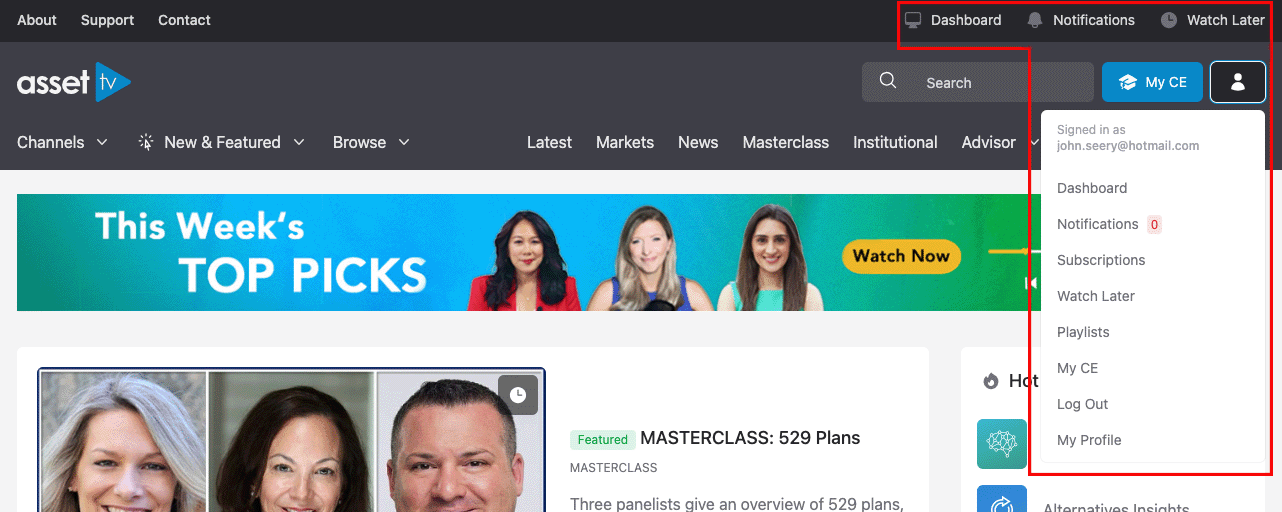
We've introduced exciting new features to help you get the most out of Asset TV! To access them, simply sign in using your email and password. Once you're logged in, you'll find the new features menu conveniently located in the top right corner of the page:
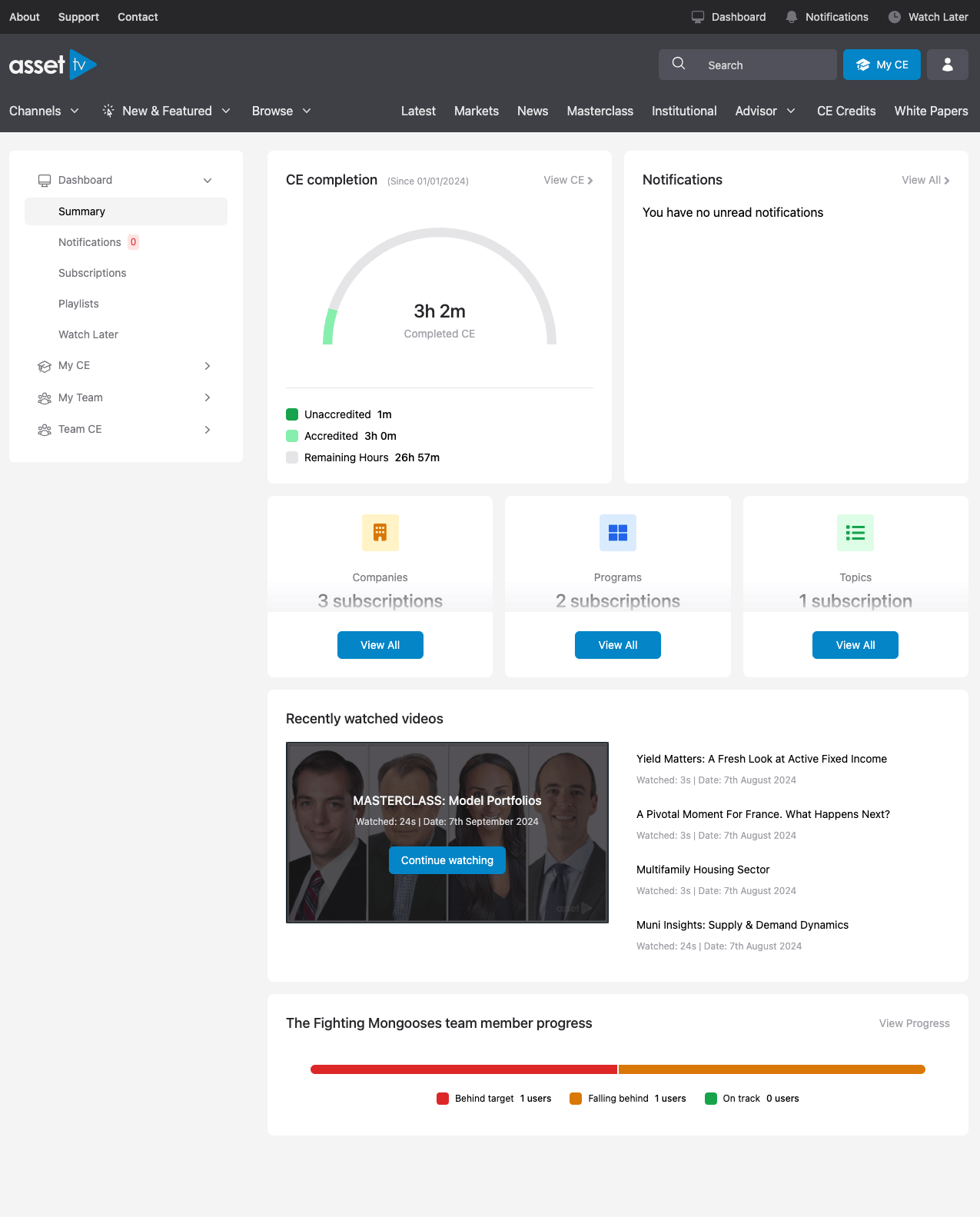
Your Personalized Dashboard
Your Dashboard is your central hub for all things Asset TV. From here, you'll get a quick overview of your activity and account. You'll also find direct links to easily manage:
- Your Profile: Update your name, company, email address, and password.
- CE Statement: Access your continuing education statement.
- Subscriptions: See your active subscriptions and access them quickly.
- Playlists: View and edit your playlists with ease.
We've made it simpler than ever to manage your playlists and subscriptions directly from your Dashboard, putting everything you need right at your fingertips: